AAvailable now
AutoCount
Sales, stock, accounting insights and document workflows.
 AccountOps
KEEP YOUR SOFTWARE. DO MORE WITH IT.
Ask questions about your books, explore sales and stock, and prepare accounting documents with AccountOps.
14-day trial · Set it up yourself or get our help
Already using AccountOps? Sign in →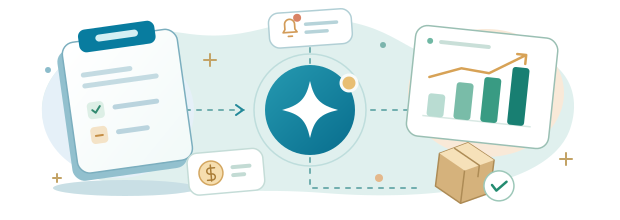
Who owes us money, and what should I follow up first?
CUSTOMER BALANCES
↗ Start with Meridian: the largest and oldest overdue balance.
START WITH WHAT YOU USE
Keep the system you know. Add a new way to work with it.
Sales, stock, accounting insights and document workflows.
Company records, reports and document workflows.
LESS SEARCHING. MORE DOING.
 01
Explore customer balances and overdue amounts, then prepare your follow-up.
 02
Look up orders, deliveries and stock to plan your next step.
 03
Turn a request into a document draft. Enable supported writes when your team is ready.
Available records and actions vary by connection. Explore each software page for details.
YOUR FIRST CONNECTION
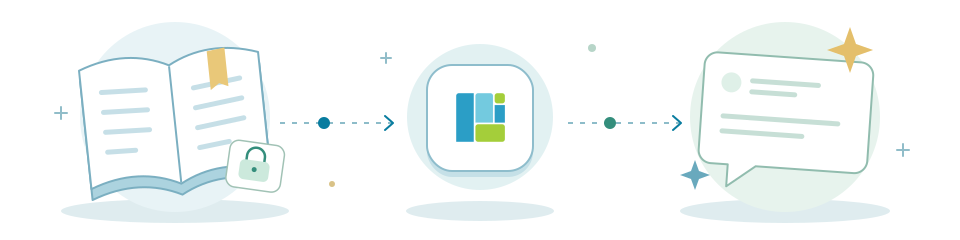
Choose AutoCount or SQL Account and sign up for Inistate.
On the Windows PC that can open your company, install Inistate Connector and enter your pairing code.
Select your company, check the connection details and choose the modules you want to use.
Use your connected records in Inistate, or configure a compatible AI assistant.
CLEAR COSTS, BEFORE YOU CONNECT
AutoCount is priced per account book. SQL Account is priced per company.
READ
S$39 / month
Ask questions, explore records and build dashboards.
Try now ↗READ + WRITE
S$79 / month
Everything in Read, plus supported document creation and updates. Replaces the Read plan.
Try now ↗One-time activation after your trial: RM499 / S$199. Charged per AutoCount book or SQL Account company. External AI assistants require an Inistate Pro user; AI provider charges are separate. GNey uses metered AI credits. Writes must be enabled.
AccountOps is an Inistate product that connects accounting software to AI assistants and workflows. AutoCount and SQL Account are available. Bukku, Xero, SiteGiant and QuickBooks are coming soon.
For AutoCount or SQL Account, install the Inistate Connector on a compatible Windows PC that can open your accounting company. Create an Inistate account, pair the connector and choose the company and modules. SQL Account requires .NET 4.8 and a SQL Account user.
Writes are off by default. They must be enabled in Inistate and on the connector PC. Supported writes use your accounting software’s SDK. Review your workflow permissions before enabling writes; approval requirements depend on the action and configuration.
Use ChatGPT, Claude, GNey or a compatible remote MCP assistant. External assistants require an Inistate Pro user. AI provider charges are separate; GNey uses metered AI credits.
No. The connector uses outgoing HTTPS connections. The accounting PC must be available for the connector to access your company.
Yes. Contact us with your accounting software and setup details. We can help you choose the connection and guide your team through installation.
ACCOUNTOPS BY INISTATE
Connect your software and start exploring. We’re here if you need a hand.